

Token Scopes
This guide covers Aeropay's token types, what they are, and how each is used properly.
The Two Token Scopes
Aeropay uses two different token scopes: merchant and userForMerchant. The main difference between these two token scopes is whether a given Aeropay user is authorized within the scope of the token. Each API call will requireeither merchant or userForMerchant token.
| merchant scope | userForMerchant scope | |
|---|---|---|
| Required parameters | apiKey apiSecret scope id (merchant id) | apiKey apiSecret scope id (merchant id) userId |
| Description | This token scope is used for actions taken on behalf of your merchant org. These include:
| This token scope is used for actions taken on behalf of an Aeropay user. These include:
|
Requesting a Token
Both scopes use the same POST v2/token endpoint. Simply specify the scope and provide the appropriate credentials:
Example - Merchant scope token:
curl --request POST \
  --url https://api.sandbox-pay.aero.inc/v2/token \
  --header 'Content-Type: application/json' \
  --header 'accept: application/json' \
  --data '{
    "scope": "merchant",
    "apiKey": "your-api-key",
    "apiSecret": "your-api-secret",
    "id": your-merchant-id
  }'
Example - userForMerchant scope token:
curl --request POST \
  --url https://api.sandbox-pay.aero.inc/v2/token \
  --header 'Content-Type: application/json' \
  --header 'accept: application/json' \
  --data '{
    "scope": "userForMerchant",
    "apiKey": "your-api-key",
    "apiSecret": "your-api-secret",
    "id": your-merchant-id,
    "userId": "the-users-uuid"
  }'
Important Notes
- All tokens expire after 30 minutes. You'll need to request a new token when yours expires.
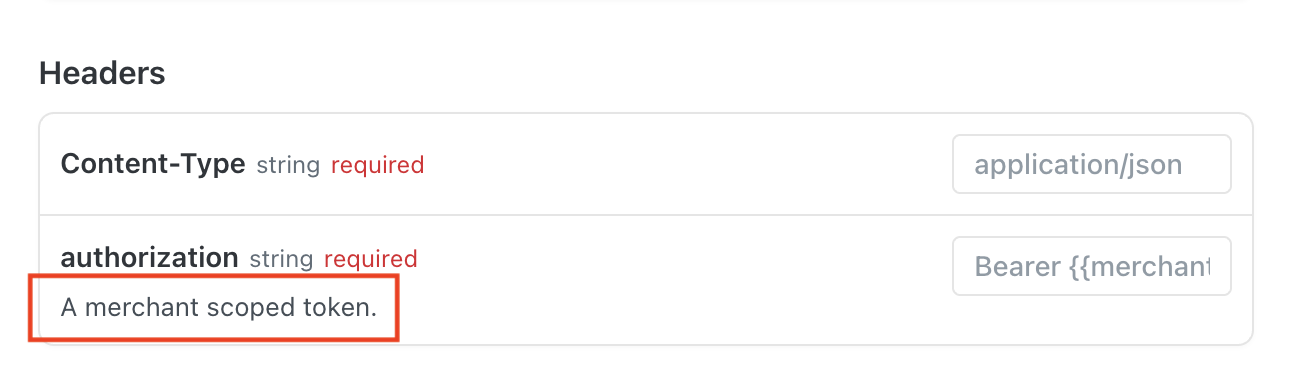
- Refer to the API reference of each endpoint to see which scope is required
Updated 2 months ago
Did this page help you?